Description
Course Description
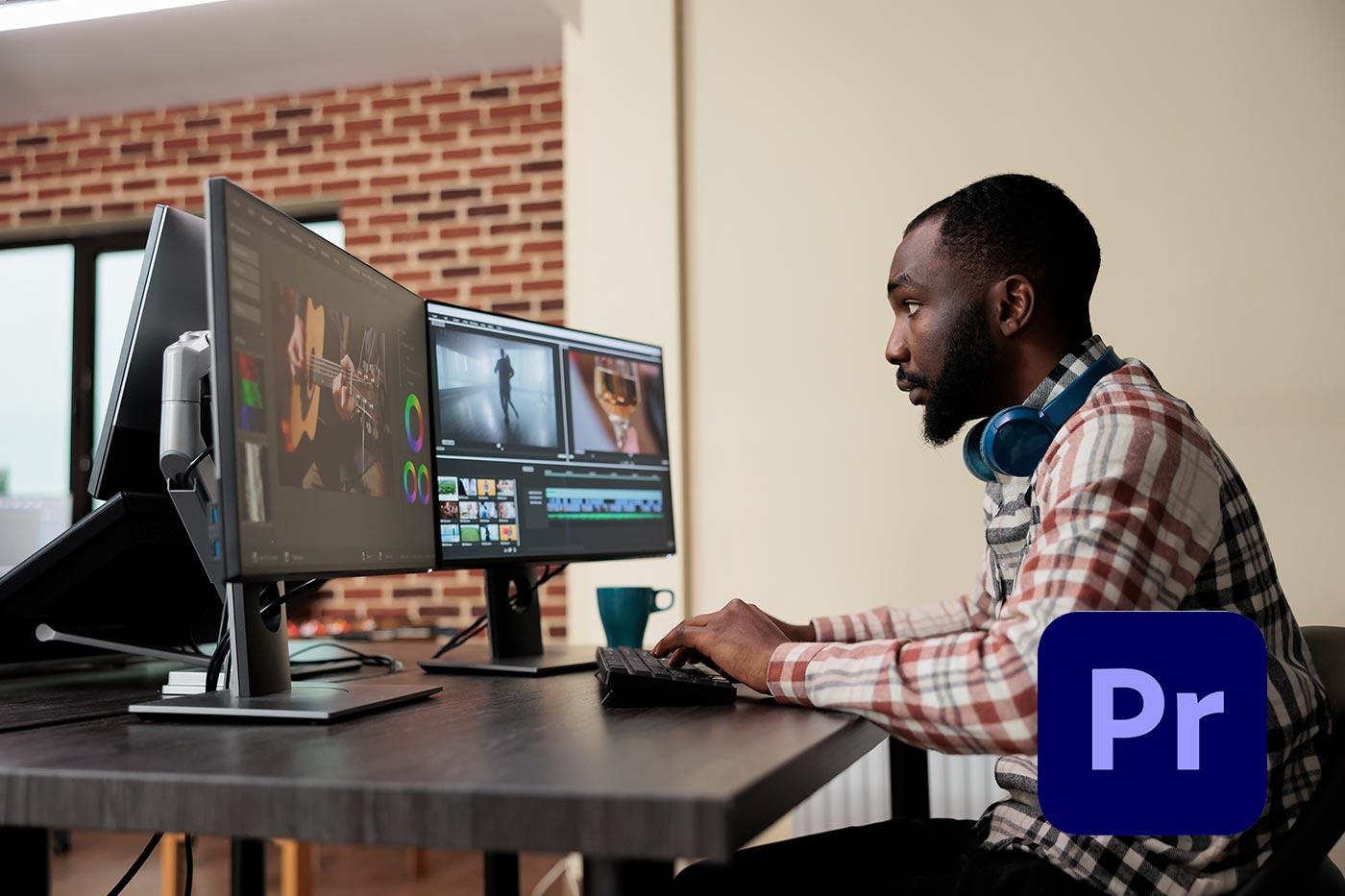
Take your video editing skills to the next level with this comprehensive Adobe Premiere Pro Masterclass. Whether you’re a complete beginner or looking to refine your editing techniques, this course provides everything you need to create professional, polished videos.
You’ll learn how to navigate the Premiere Pro interface, organize projects efficiently, and apply essential editing tools to craft compelling video stories. From cutting clips and adding transitions to color grading, audio mixing, and exporting in high-quality formats, this course covers it all.
By the end of the masterclass, you’ll have the confidence and technical expertise to edit videos for YouTube, social media, film, or any professional project. With hands-on exercises and practical examples, you’ll not only understand the tools but also gain the creative edge to make your videos stand out.
What you’ll learn:
-
Premiere Pro workspace and workflow fundamentals
-
Cutting, trimming, and arranging video clips
-
Adding transitions, titles, and motion graphics
-
Color correction and grading techniques
-
Audio editing and sound design
-
Exporting videos in various formats for web and broadcast
This course is perfect for aspiring video editors, content creators, marketers, and filmmakers who want to master Adobe Premiere Pro and produce videos like a pro.

Reviews
There are no reviews yet.